Back to tools

Team Functions

Clarify your day-to-day work, team gaps, and recruitment needs to scale. With the Team Functions tool, you focus on what needs to be done rather than titles, creating self-organizing teams and flatter hierarchies.

Mobile Guide | Team Functions

Every tool has a unique guide, they are instructions on how to use the board and tool. You read the instructions as you go along, doing one step at a time. Take turns to read the instructions during the workshop. We recommend that you do it in two sessions.

Scan the QR-code!

Scan the QR-code on your phone and use it as step-by-step instructions.
No phone or already on one?
Open guide here

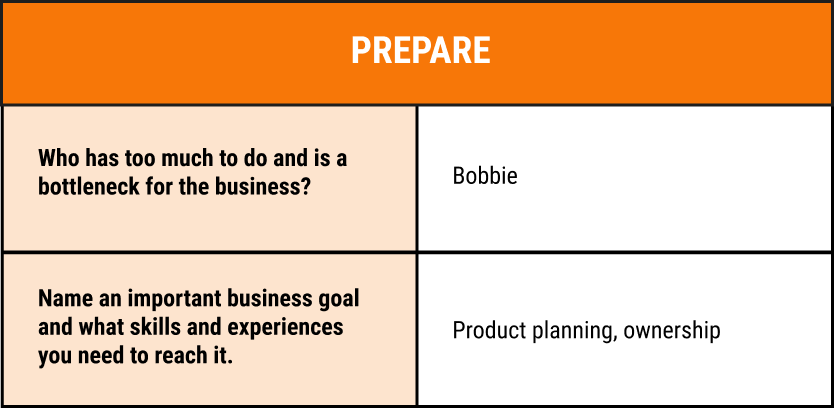
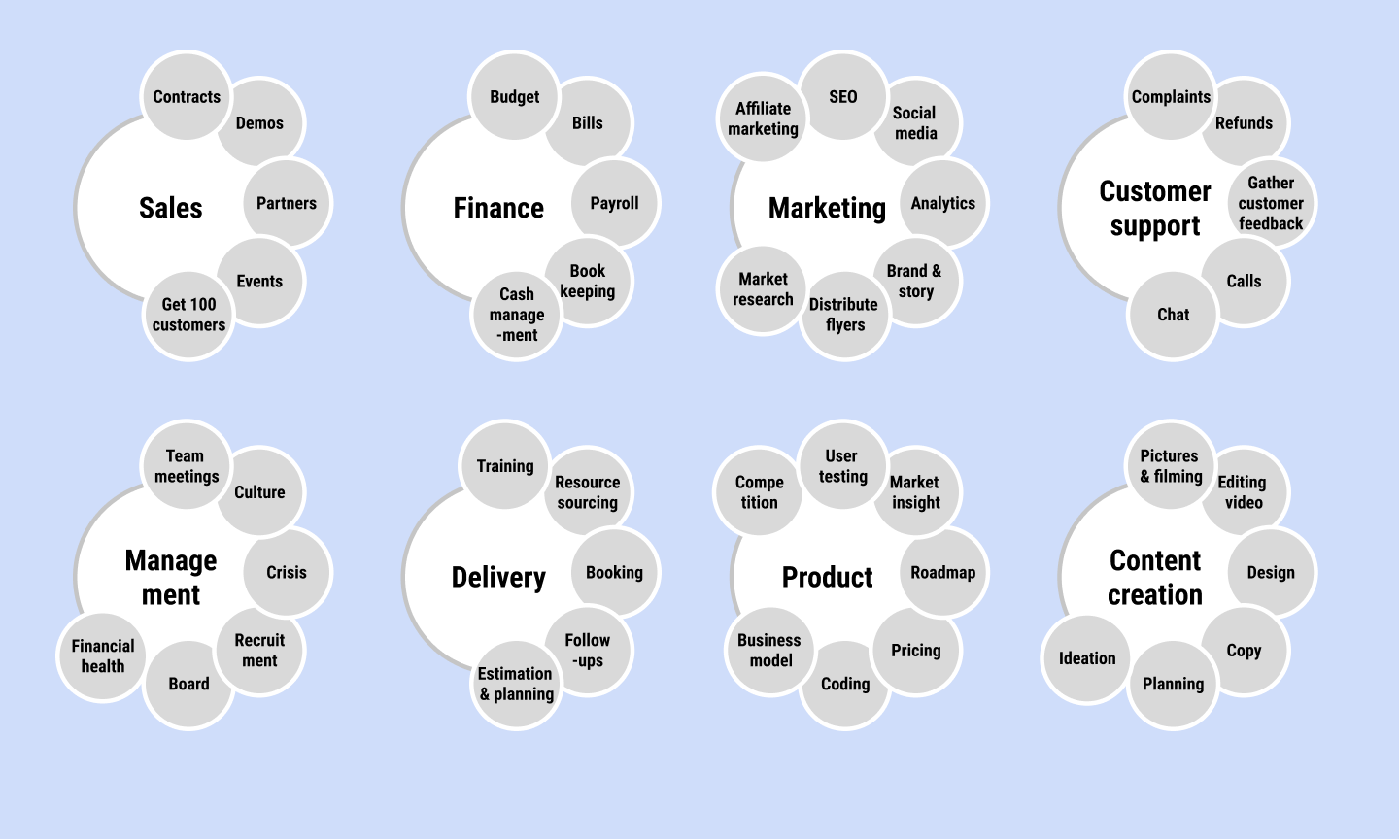
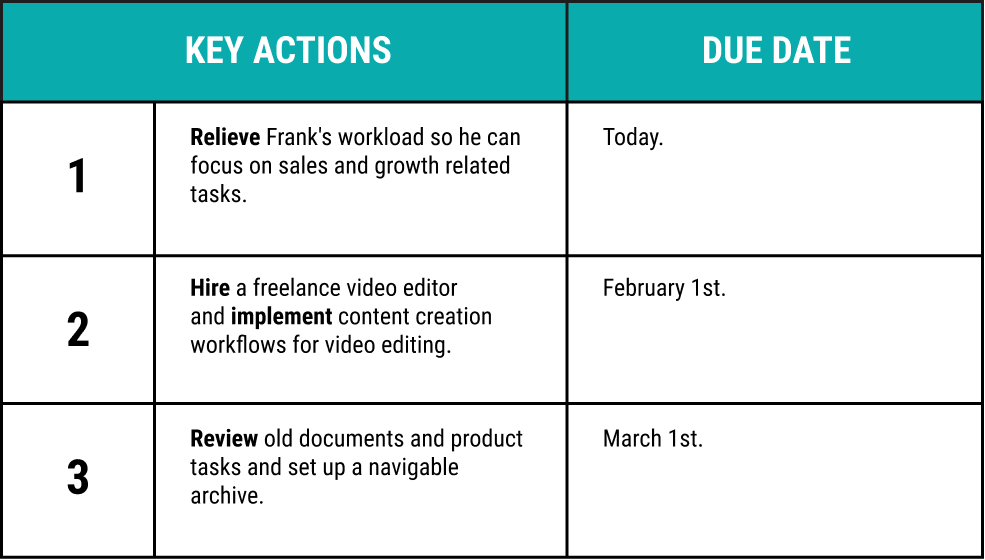
Team Functions Reference Case

Example Company

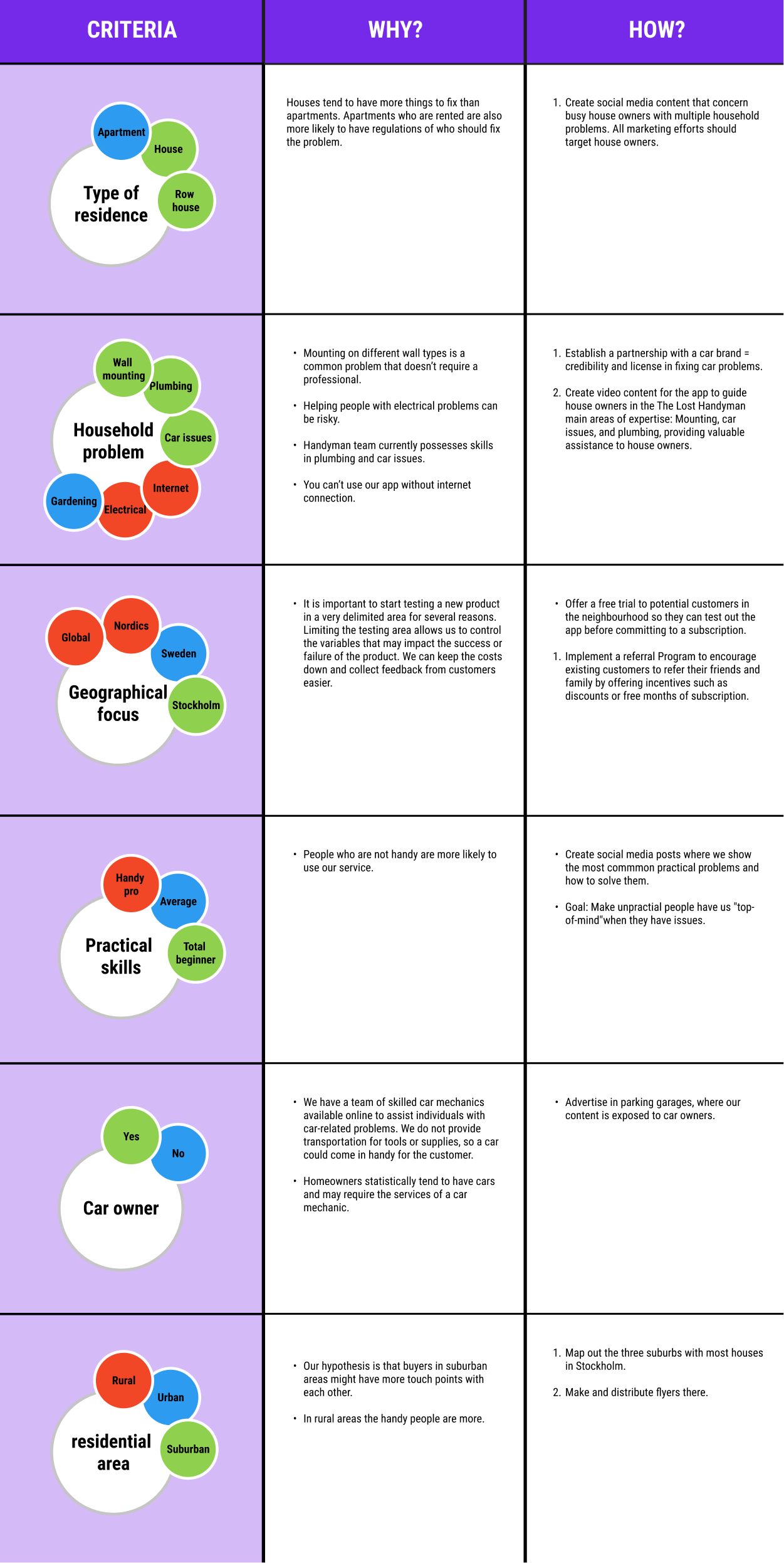
Working as a cheat list we explain our tools with an example company called “The Lost Handyman” that gives you ideas of what the final result can look like.

Customer Segmentation Reference Case

What is The Lost Handyman?

The Lost Handyman

The Lost Handyman is our reference case that we use the explain our tools. As you might see in the examples it it related to practical skills.

This startup provides online help for common household problems. An app that provides unpractical people with tutorials, video chats, and onsite handyman help.

For example these problems:

  • Plumbing
  • Car problems
  • Gardening
  • Mounting things on walls
Red bird - human hybrid with a phone in one hand and a plunger in the other.

Tips & Tricks

Click to navigate through the Tips & Tricks of Team Functions.

Customer Segmentation Reference Case

What is The Lost Handyman?
Open PDF in new tab